
ProKnockOut-Cut Paste Photos
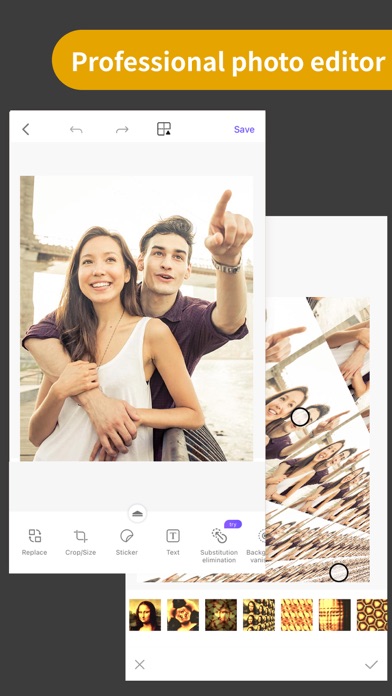
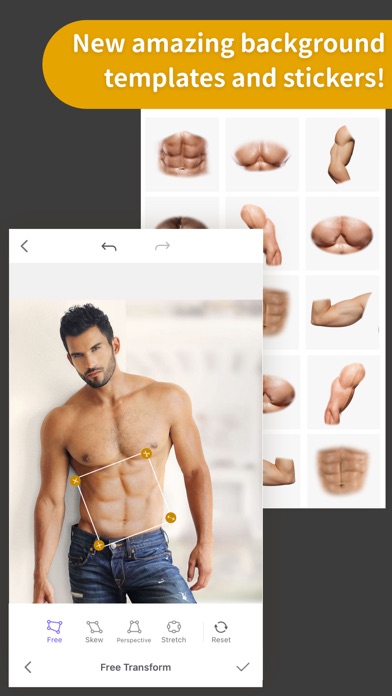
Discover our comprehensive review of ProKnockOut-Cut Paste Photos. Learn how this Mac design tool simplifies advanced background removal and multi-layer editing.
The Challenge of Clean Image Isolation
Whether you are designing promotional materials or crafting personal graphics, isolating subjects from their backgrounds has historically required complex desktop software and hours of meticulous manual brushing. ProKnockOut-Cut Paste Photos solves this exact problem by bringing an intuitive, highly automated cutout and composition workflow directly to your Mac. Developed by RETOUCH AI PTE. LTD., this utility bridges the gap between professional graphic design capabilities and beginner-friendly accessibility in the design category.
Key Features of ProKnockOut-Cut Paste Photos
This design application stands out because it combines automated artificial intelligence with robust manual refinement tools. Here is what makes it a powerful addition to your creative toolkit:
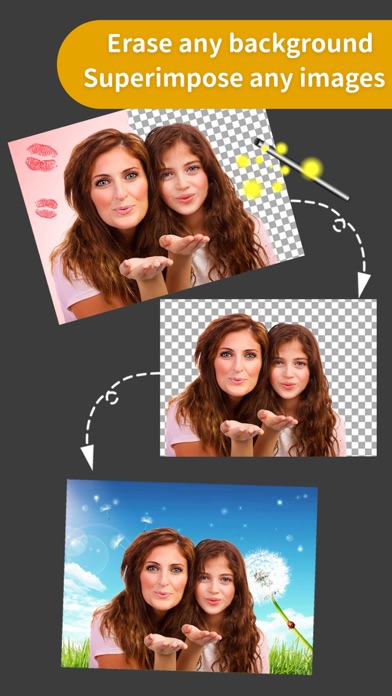
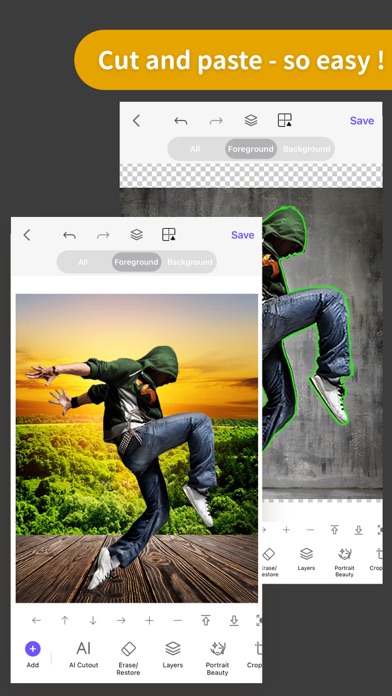
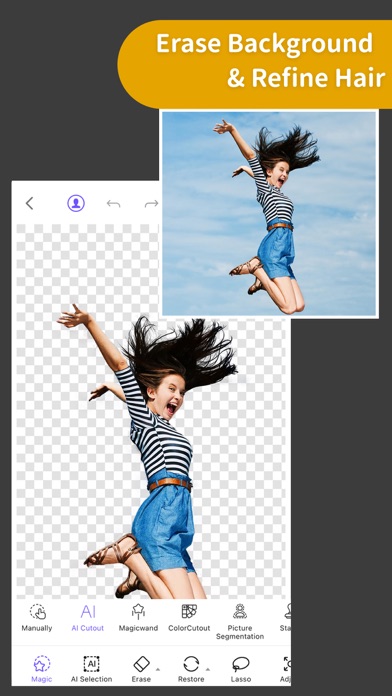
- Advanced Cutout Tools: Perform automated one-click selections for people, animals, and products. For complex edges, the specialized "Hair Refine" and "Edge Refine" features help isolate fine details like fur or flyaway hair with impressive precision.
- Manual Refinement Options: If the automatic selection requires adjustment, you can fine-tune your borders using classic manual tools like the Lasso, Instant Alpha, and Eraser.
- Multi-Layer Composition: Merge isolated elements seamlessly. The app supports complex multi-layer blending with 23 distinct blend modes to ensure composite images look natural.
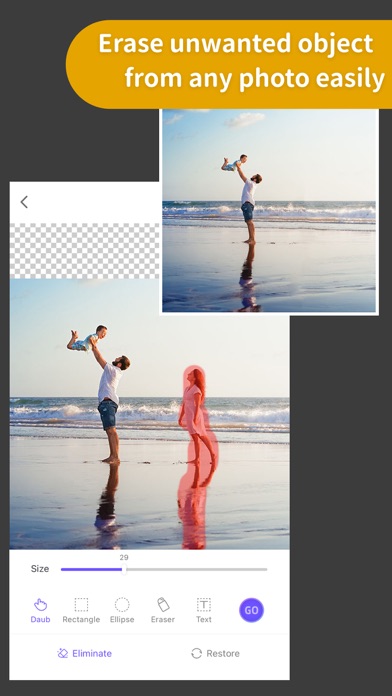
- MagicEraser Technology: Easily clean up your shots by removing unwanted passers-by or background distractions with a single click, allowing the software to intelligently reconstruct the background.
- ID Photo Creation: Produce professional identification photos using built-in size templates, automatic background replacement, and virtual formal wear options.
Who Is This Application For?
ProKnockOut-Cut Paste Photos is highly recommended for e-commerce sellers needing quick product isolation, social media managers crafting multi-layered collages, and everyday Mac users who require clean transparent PNGs without a steep learning curve. While professional suites exist, this tool streamlines high-frequency tasks into quick, straightforward actions.
Explore the Official Store
If you are looking to elevate your visual editing workflow, you can learn more about this design tool, read user feedback, and explore subscription options on the Mac App Store. To see if it fits your creative pipeline, head over to the official App Store page to view the application.