
Curtail
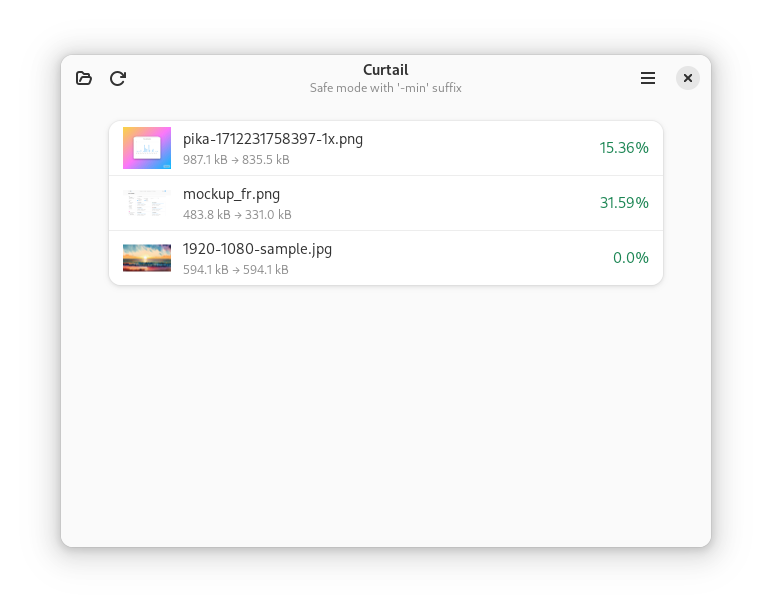
Discover Curtail, the ultimate Linux image compressor. Read our comprehensive review of this powerful tool for lossless and lossy image optimization.
The Ultimate Solution for Linux Image Optimization
For web designers, developers, and content creators, large image files are a constant hurdle to website performance and storage efficiency. The Curtail image compressor offers a seamless, local solution on Linux to shrink your files without sacrificing visual fidelity. Developed by Hugo Posnic, this dedicated design utility streamlines the optimization process directly on your desktop.
Versatile Compression Modes for Every Project
What sets the Curtail image compressor apart is its dual-mode processing capability. Depending on your project requirements, you can choose between two distinct optimization paths:
- Lossless Compression: This mode reduces file size by reorganizing data and stripping unnecessary elements without altering a single pixel. It is ideal for high-quality graphics where visual perfection is non-negotiable.
- Lossy Compression: When storage space and loading speeds are your top priorities, lossy mode intelligently discards imperceptible visual data to achieve dramatic file size reductions.
Supported Formats and Metadata Control
Whether you are working with modern web formats or traditional vectors, the Curtail image compressor has you covered. It provides robust, native support for the most common design formats:
- PNG & JPEG: The standard formats for photography and web graphics.
- WebP: The modern, high-efficiency web image format.
- SVG: Scalable vector graphics used for logos and illustrations.
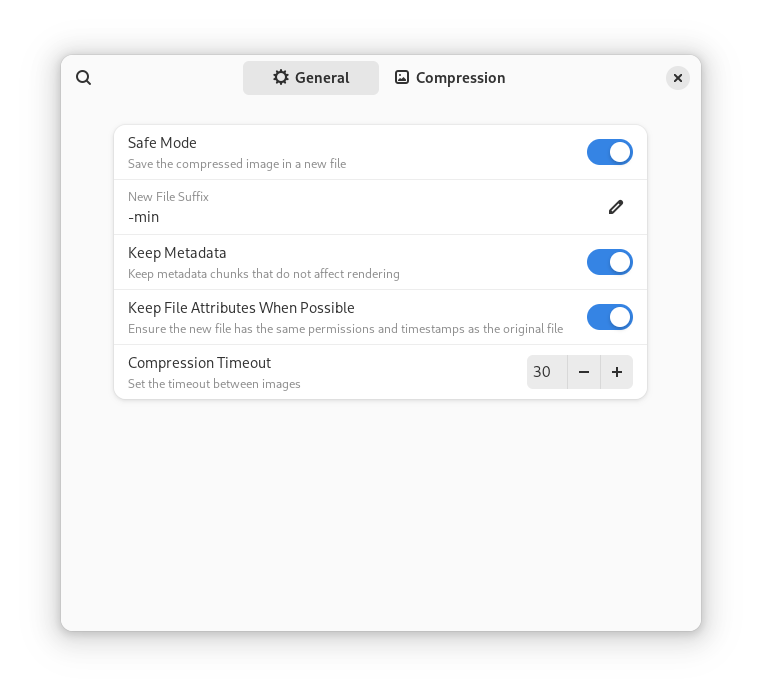
In addition to format flexibility, Curtail respects your privacy and file-size constraints by giving you explicit control over metadata. Users can choose whether to preserve or discard embedded camera details, GPS tags, and creator information during the compression process.
Who Is This Tool For?
As a specialized Linux utility in the design category, Curtail is tailor-made for front-end developers aiming for faster page load times, UI/UX designers preparing assets for production, and system administrators managing large documentation assets. Its clean, intuitive interface removes the complexity of command-line tools, making professional compression accessible to everyone.
Optimize Your Workflow Today
If you are looking for a reliable, offline utility to handle your asset optimization, this tool is an excellent addition to your creative suite. To explore its features and integrate it into your local workflow, head over to the official Flathub store page to get started.