

Video Player - Play All Videos

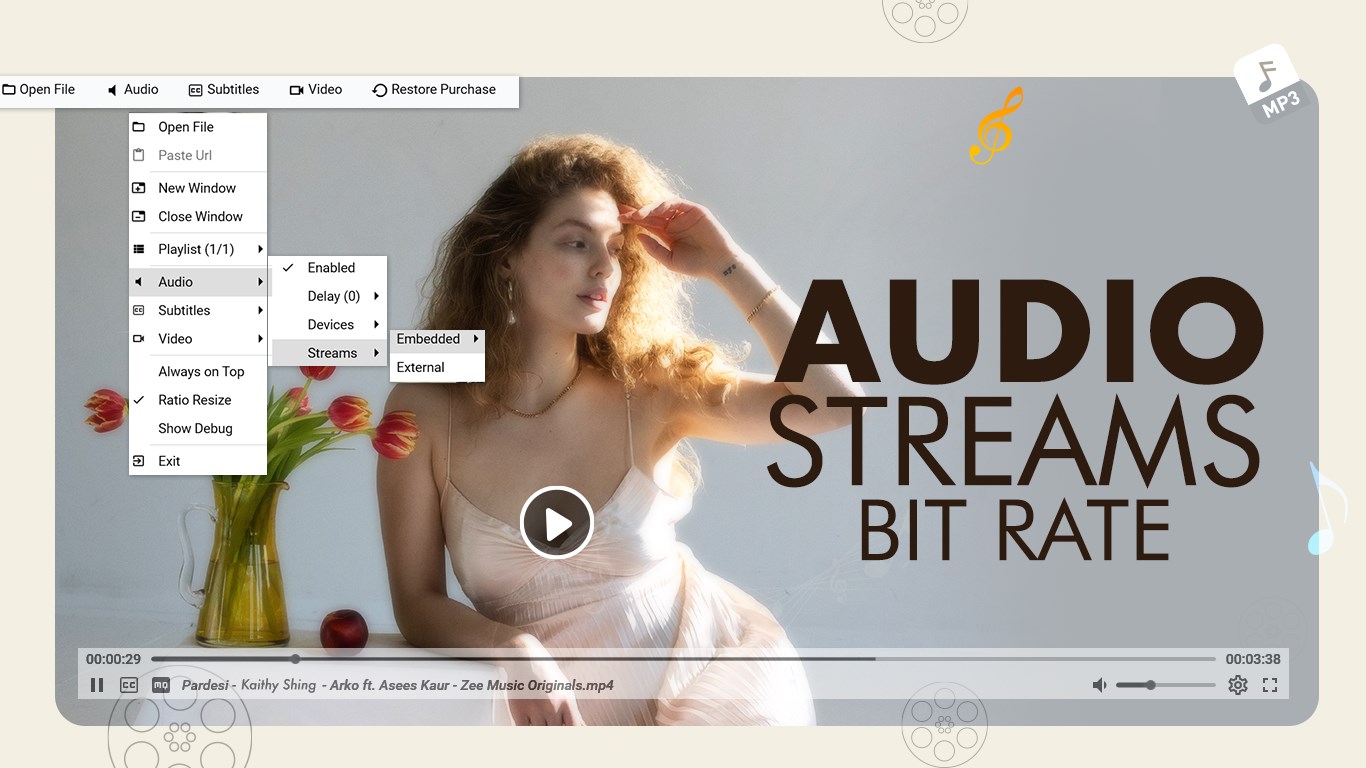
Read our comprehensive review of Video Player - Play All Videos for Windows. Discover how this media tool streamlines your local playback experience.
A Seamless Way to Play All Videos on Your PC
Finding a reliable media solution can transform how you enjoy movies, tutorials, and personal clips. Video Player - Play All Videos is a dedicated Windows application designed to streamline your local playback experience. Developed by Queenloft, this utility functions with the fluidity of a modern music player, allowing you to queue up files and enjoy uninterrupted, continuous playback of your favorite media library.
Practical Features for Everyday Viewing
Instead of dealing with cluttered menus, this application focuses on direct, user-friendly interaction. Here is what you can actually achieve when managing your media with it:
- Continuous Queue Management: Keep your files running sequentially without needing to open each video manually, mimicking the effortless flow of an audio playlist.
- Intuitive On-Screen Gestures: Adjust your volume, fine-tune screen brightness, or seek through the timeline using straightforward, integrated gestures.
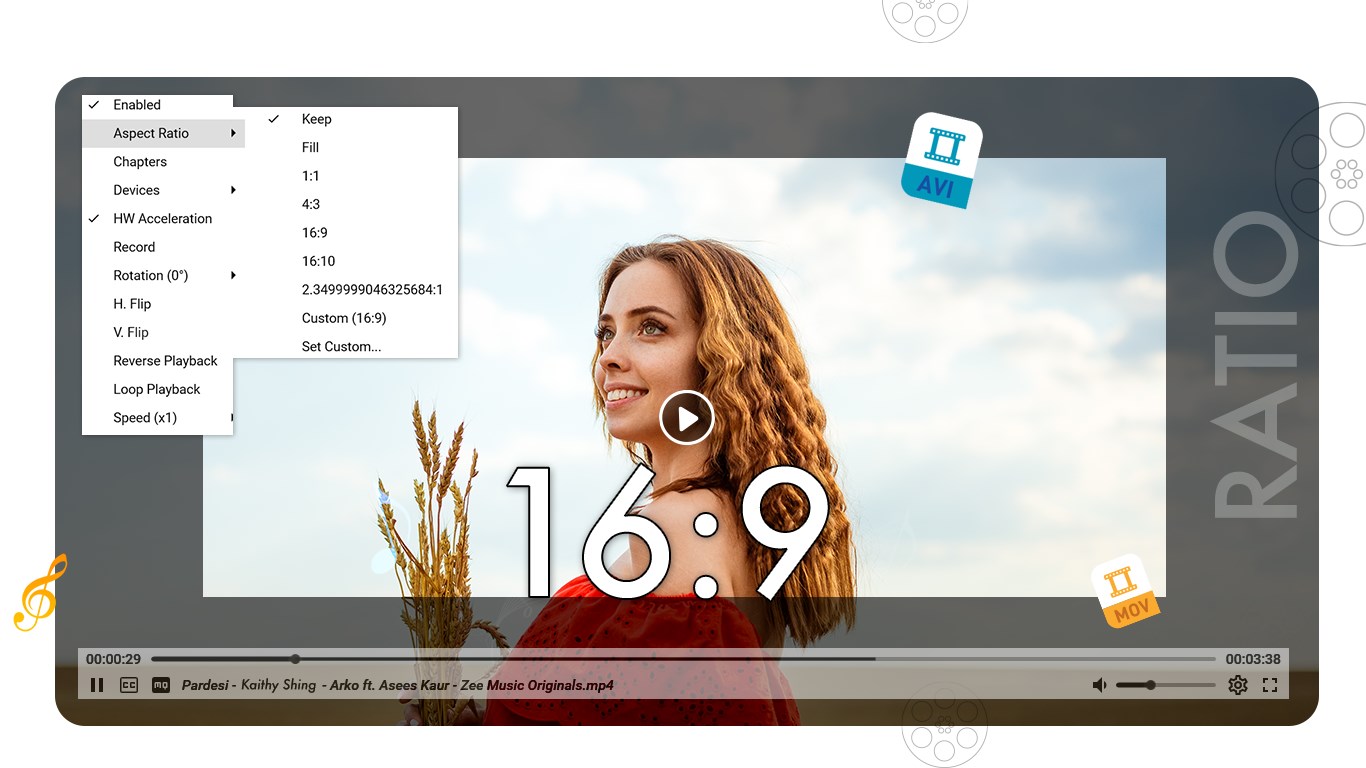
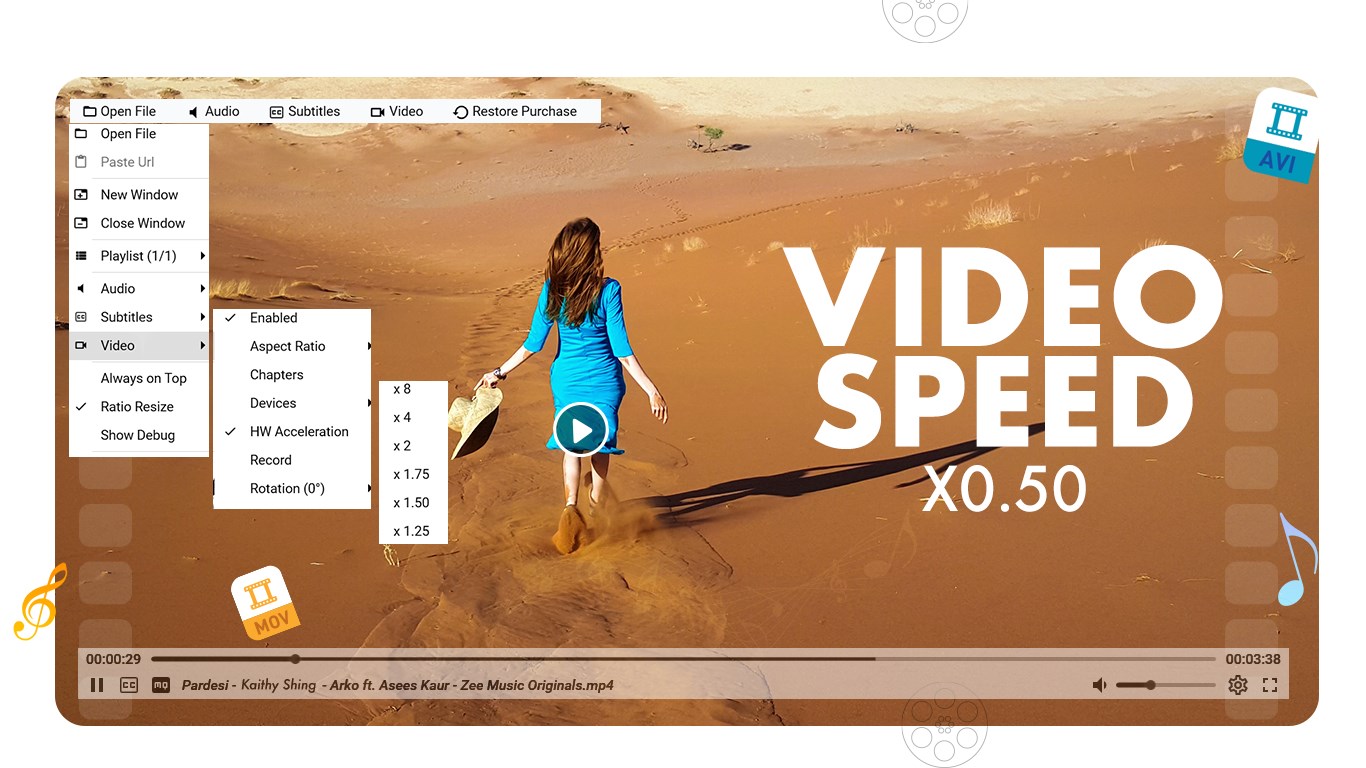
- Precision Playback Control: Speed up or slow down content to match your viewing preferences, and quickly rotate or flip the screen orientation to correct skewed recordings.
- Instant Screen Captures: Use the built-in snapshot tool to capture high-quality still images directly from your running footage with a single click.
Broad Format Compatibility and Performance
Compatibility issues can disrupt any viewing session. The Video Player - Play All Videos utility addresses this by supporting a wide range of popular formats, including AVI, MP4, WMV, RMVB, MKV, 3GP, M4V, MOV, TS, MPG, and FLV. Backed by advanced hardware acceleration, the application is engineered to deliver stable and smooth rendering for standard, high-definition, and ultra-high-definition files alike.
Who Is This Media Tool For?
If you are looking for a clean, responsive Windows interface that avoids complex configurations, this tool is highly practical. It automatically organizes your local files into a built-in gallery view, making it an excellent fit for users who want to browse and play their personal media collections with minimal hassle. Note that while the core experience is highly functional, some premium features require in-app purchases to unlock permanently.
Get Started on Windows
If you need a straightforward, gesture-controlled media hub for your desktop, this application is worth exploring. To learn more about its features and download the app, visit the official Microsoft Store page today.