
Drawing
An in-depth review of Drawing, the intuitive Linux image editor designed for quick screenshot annotations, meme creation, and basic digital sketching.
The Perfect Tool for Quick Visual Edits on Linux
We have all been there: you need to quickly crop a screenshot, highlight a piece of text, or assemble a quick meme, but launching a heavy, complex graphics suite feels like overkill. The Drawing image editor is a lightweight utility designed specifically to solve this everyday frustration for Linux users. Built to handle simple graphic tasks with speed and efficiency, it bridges the gap between basic image viewing and high-end professional design suites.
Key Features of the Drawing Image Editor
Despite its lightweight footprint, this application packs all the essential tools required for daily image manipulation. Here is what makes the Drawing image editor stand out:
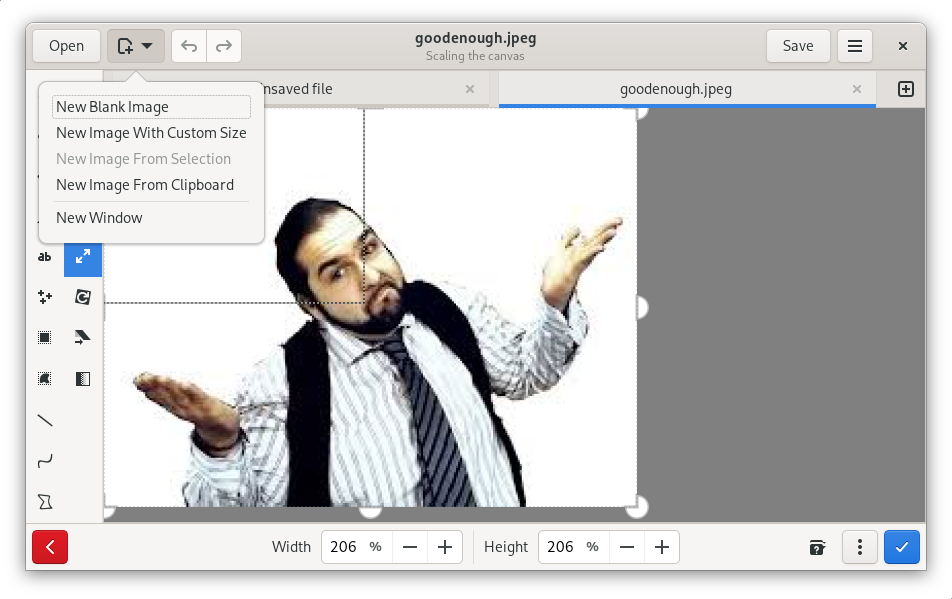
- Essential Canvas Tools: Easily crop, rotate, and resize your images without degrading quality.
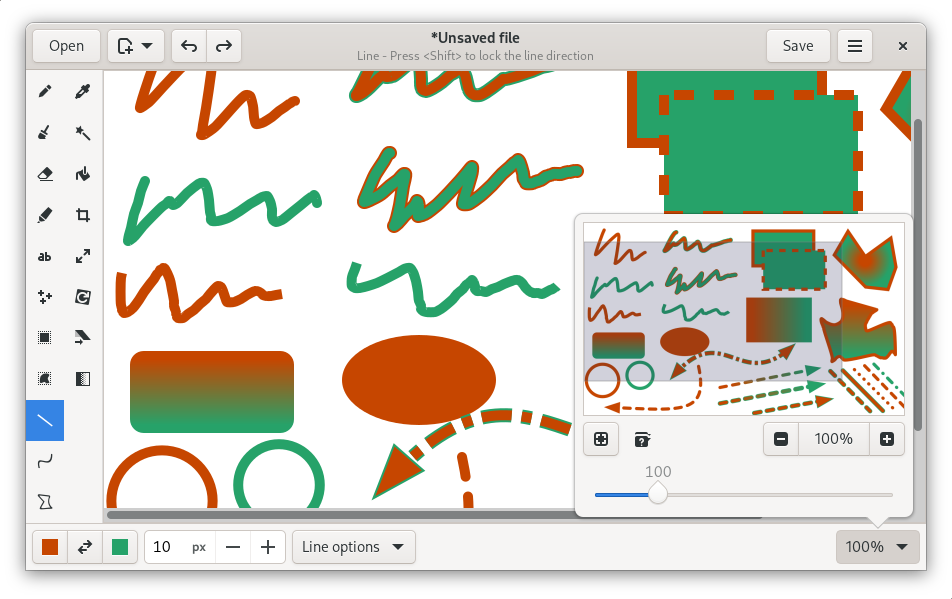
- Markup and Annotation: Add straight lines, smooth curves, custom text, or basic shapes to point out specific details in your screenshots.
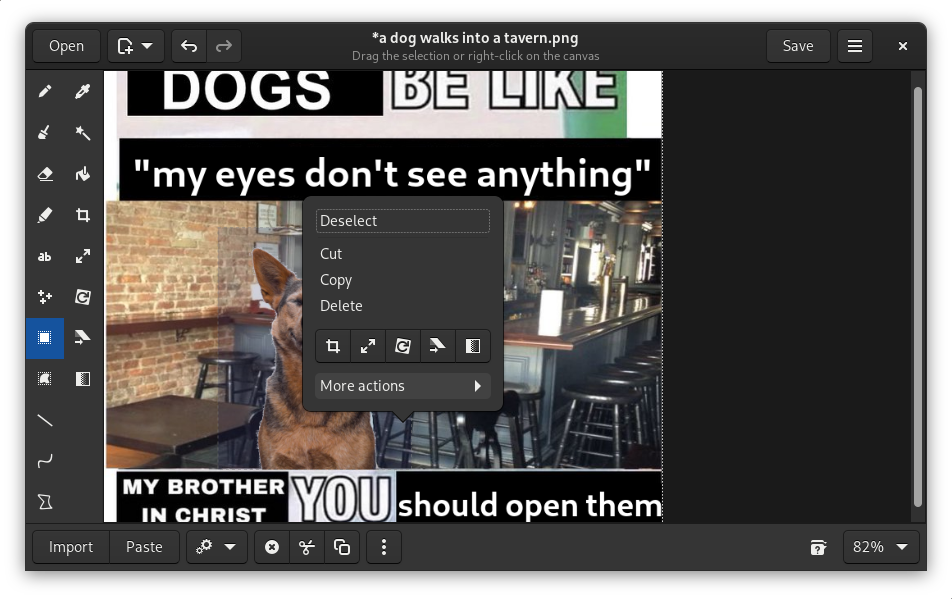
- Censorship Tools: Quickly blur or block out sensitive information before sharing images online.
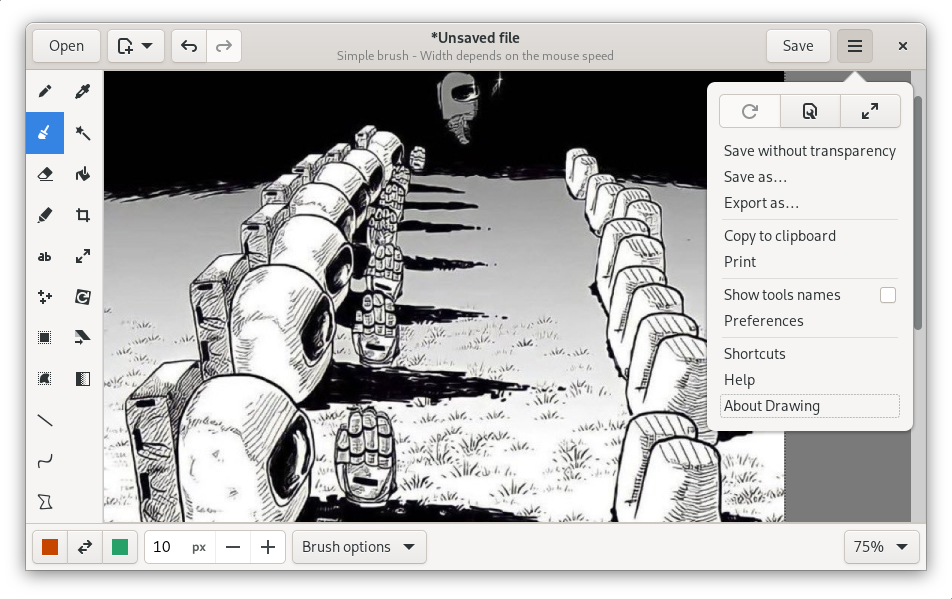
- Creative Freedom: Use the built-in pencil tool, customizable brushes, and an intuitive color palette to sketch freely.
- Format Support: Import and export your creative work seamlessly with support for PNG, JPEG, and BMP files.
Who Is This Application For?
Developed by Romain F. T., this application is tailored for Linux desktop users who require a straightforward, no-nonsense tool for rapid edits. Whether you are a technical writer needing to annotate screenshots for documentation, a social media enthusiast crafting memes, or a casual user who needs to quickly modify a photo, this tool provides a clean and highly responsive workspace without a steep learning curve.
Getting Started with the App
If you are ready to streamline your screenshot editing and basic graphic tasks, we highly recommend trying this utility. You can find more information, check system compatibility, and access the application directly on its official distribution channel by visiting the Flathub store page.