
Warp
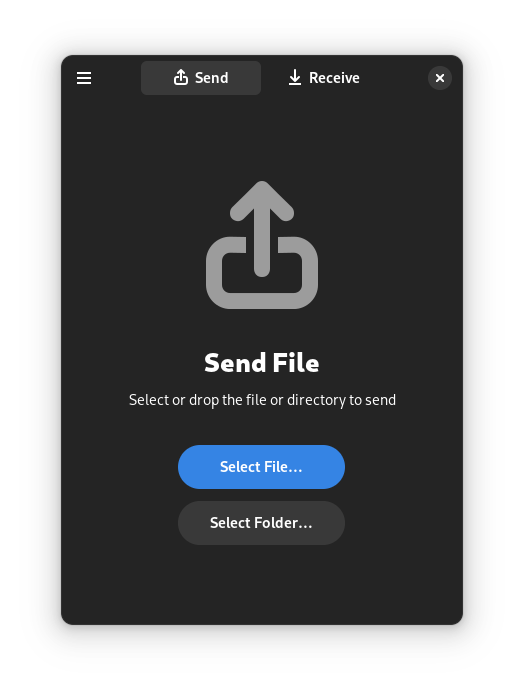
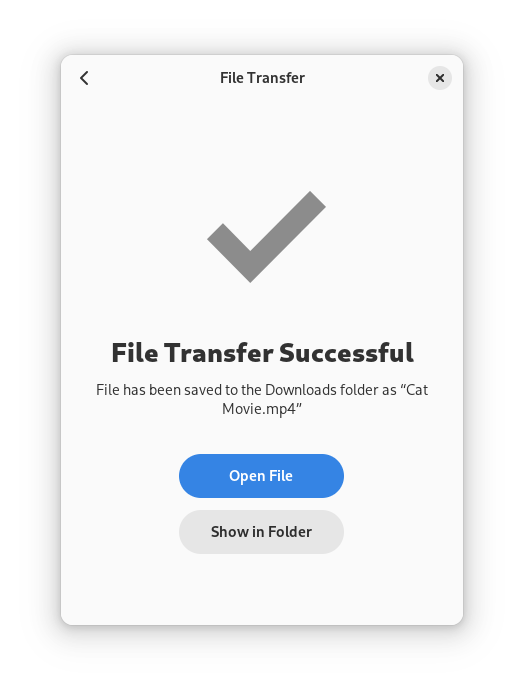
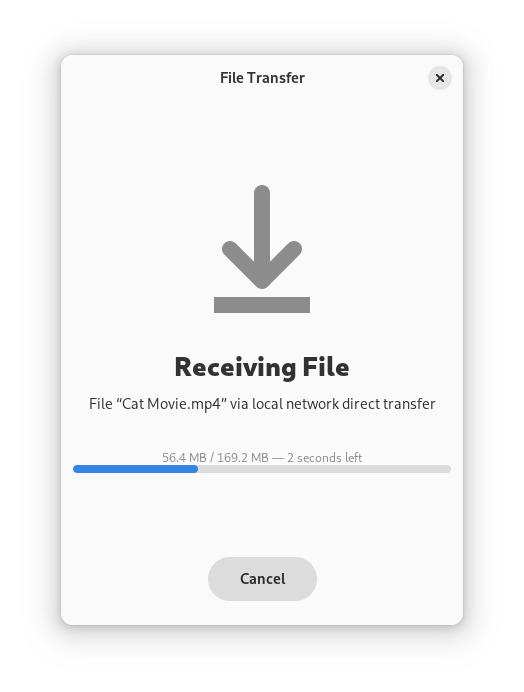
Discover Warp, the secure file transfer application for Linux. Read our review of its encrypted, local, and internet-based peer-to-peer sharing features.
Warp Secure File Transfer: The Ultimate Local and Internet Sharing Tool
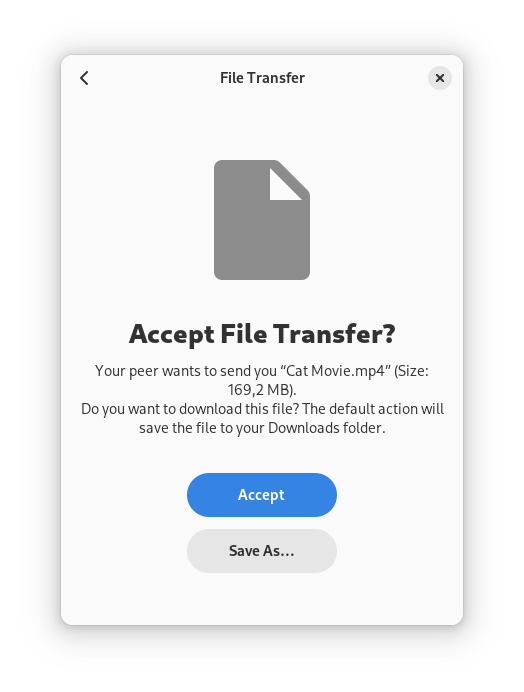
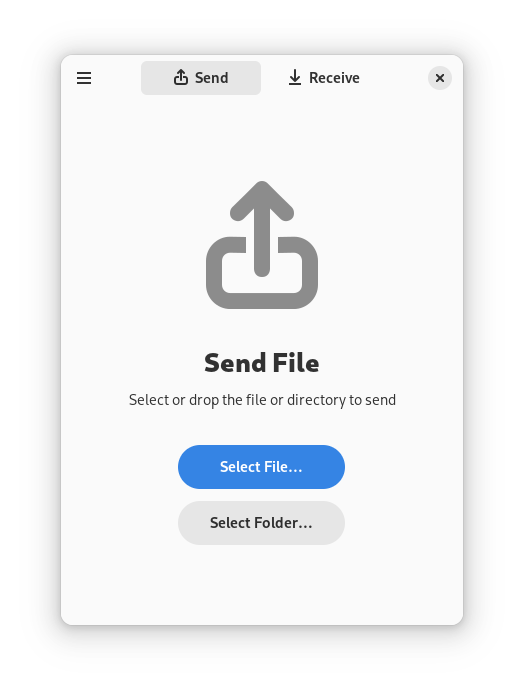
Warp secure file transfer simplifies the way you move documents, media, and folders between devices without sacrificing your privacy. Developed by Fina Wilke for the Linux platform, this elegant utility solves a common modern headache: sending a file quickly to another machine without uploading it to a bloated cloud service or digging around for a physical USB drive. By utilizing a highly secure, direct connection protocol, Warp ensures your data moves as fast as your network allows while remaining completely shielded from prying eyes.
How the Magic Wormhole Protocol Protects Your Data
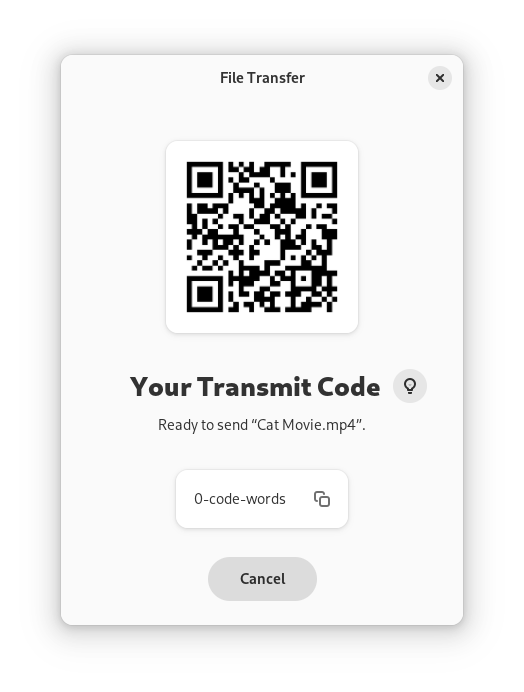
At the heart of the Warp secure file transfer application is the "Magic Wormhole" protocol. Instead of relying on centralized accounts, usernames, or complex IP configurations, the app generates a temporary, word-based code. Once you share this code with the recipient, a direct, encrypted tunnel is established between the two devices. The beauty of this system is its intelligence: if both devices are on the same local network, the app bypasses the wider internet entirely, routing the transfer locally for blistering, gigabit-level speeds.
Key Features of Warp
- Cross-Device Compatibility: Seamlessly send files between multiple devices running compatible clients.
- End-to-End Encryption: Every single transfer is fully encrypted, ensuring that no intermediary can intercept your data.
- Intelligent Routing: Directly transfer files on the local network whenever possible to save bandwidth and increase speed.
- QR Code Support: Skip typing long phrases by scanning a QR code to initiate transfers instantly.
- Command-Line Friendly: Fully compatible with the original Magic Wormhole command-line client and other ecosystem-compatible applications.
Who is this App For?
If you are a Linux user who frequently needs to share screenshots, code repositories, or large media files with colleagues, secondary machines, or mobile devices, this utility is indispensable. Because it requires an active internet connection only to handshake and coordinate the transfer, it is a highly efficient choice for both remote teams and local home offices. It bridges the gap between CLI power users and those who prefer a clean, modern graphical interface.
Our Editorial Verdict
Warp stands out because it does one thing exceptionally well: secure, hassle-free file sharing. There are no accounts to register, no subscriptions to manage, and no privacy policies to worry about. If you want to experience this streamlined workflow yourself, head over to the official Flathub store page to explore the app and integrate it into your daily Linux setup.